Канал на RUTUBE:

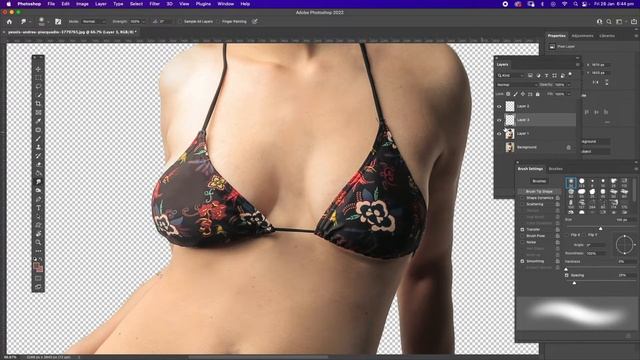
In this Photoshop tutorial I will show you how to create a glitch effect which you can use to your own image or logo using only Adobe Photoshop.
Make sure to subscribe for more Photoshop tutorials.
Before you start watching notice that this tutorial was made using Mac OS so for Windows users simply alter CMD with Ctrl and the Opt key with Alt.
Info:
Photo Effects made in Adobe Photoshop 2020 always the latest version
Hopefully youll find it useful.
Please if you like it take some time to share it its highly appreciated.
Источник: rutube.ru