Канал на RUTUBE:

SUBSCRIBE for more Photoshop tutorials
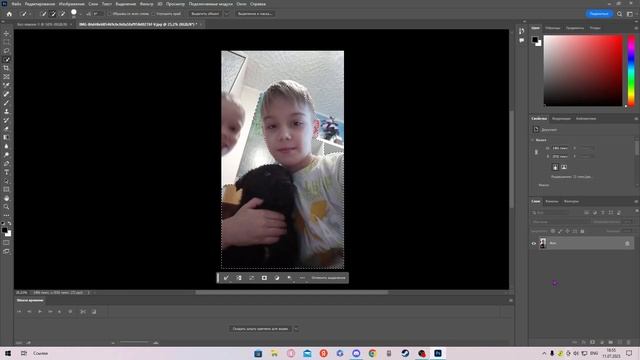
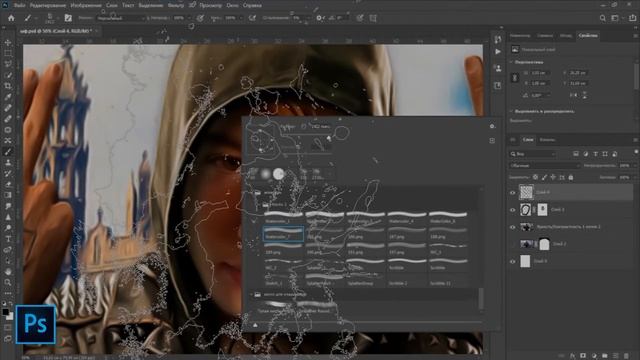
This Photoshop Tutorial will show you how to create Awesome Glowing Neon Lines in Photoshop.
The main trick in this technique is using the Pen Tool to create a path that will go around the model and then turn it to a glowing neon stroke.
Project File:
Stock:
IMPORTANT: Any stokes are used for preview and tutorial purposes only.
Photo by Ariel Lustre:
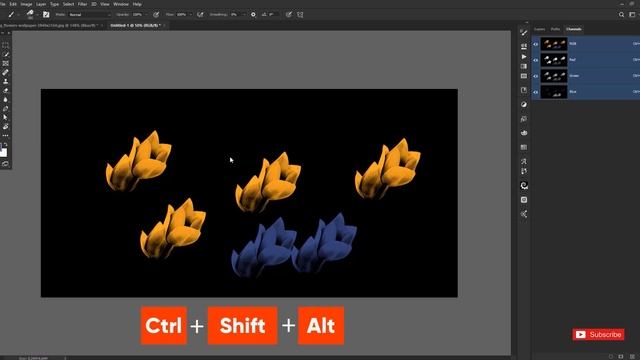
Before you start watching notice that this tutorial was made using Windows OS so for Mac users simply alter Ctrl with CMD and Alt with the Opt key.
P.S.
My English still sucks.
on the web:
YouTube
Google
Facebook
Twitter
Instagram
------
Info:
Photo Effects made in Adobe Photoshop CC always the latest version
Video Editing made in Adobe After Effect and Camtasia for zooming and cursor highlights
Screencast with Camtasia Studio 9
------
Hopefully youll find it useful.
Please if you like it take some time to share it its highly appreciated.
We do not sell tutorials or project filestemplates well appreciate your donation:
Contact:
E-Mail
Jobeytutgmail.com
BLOG:
- - -
Photoshop Neonlines Tutorial
Источник: rutube.ru