Канал на RUTUBE:

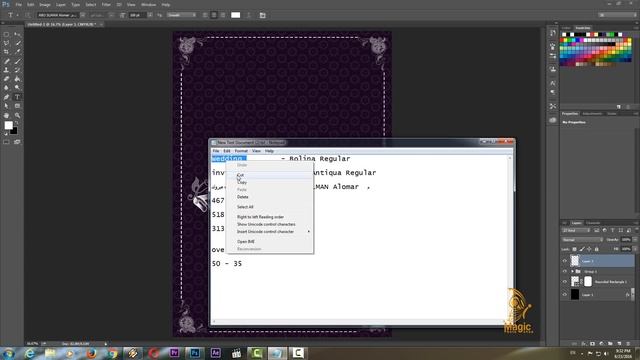
In this video we learn how to use burn tool in photoshop and its properties.
What is burn tool?
The Burn tool darkens areas of an image.
The more you paint over an area with the Burn tool the darker it becomes.
From the toolbar click and hold the icon for the Dodge Burn or Sponge retouching tool whichever is active.
How does the burn tool work?
The Dodge tool and the Burn tool lighten or darken areas of the image.
These tools are based on a traditional darkroom technique for regulating exposure on specific areas of a print.
Photographers hold back light to lighten an area on the print dodging or increase the exposure to darken areas on a print burning.
How to Use Color Dodge and Color Burn
Step 1: Add Solid Colour Layers.
First we need to add two new solid colour layers.
Click on the Add new fill or adjustment layer and select Solid Color.
Step 2: Set Blend Modes.
Now set the blend modes.
Step 3: Protect Shadows or Highlights.
But theres a problem.
burntool
dodgetool
burn
burntoolphotoshop
dodge
burnstools
spongetool
Источник: rutube.ru