Канал на RUTUBE: JavaScript: креативные выводы | Тема: Технологии и интернет | 04.12.2023 | Смотрят: 4
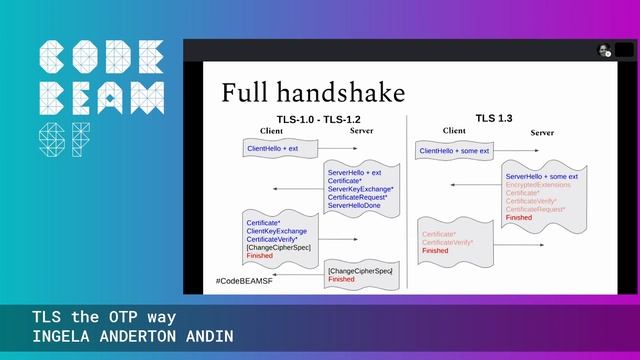
In This Video We Will See How To Fix Your connection is not fully secure NET::ERR_SSL_OBSOLETE_VERSION in Google Chrome.
Computer User
1.
Open your Chrome browser.
2.
Type chrome:flagslegacy-tls-enforced in address barnd press Enter.
2.
Disable Enforce deprecation of legacy TLS versions
3.
Click Relaunch.
Mobile User
1.
Open your Chrome browser.
2.
Type chrome:flags.
3.
Search Legacy TLS version.
4.
Click Default and select Disabled.
6.
Click Relaunch.
Источник: rutube.ru