Канал на RUTUBE:

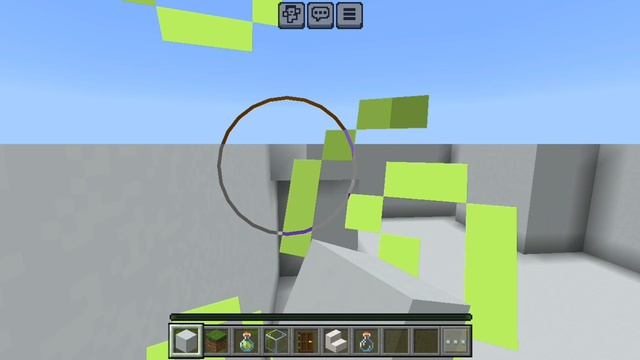
Happy shows you how to install Shaders for Minecraft Java Edition using Optifine a Minecraft Mod that gives you more graphic settings.
Minecraft looking too 2009? Maybe youve seen Minecraft Bedrock RTX graphics and want to make Minecraft look better.
This video shows you how to add Shaders to your Minecraft Java Edition Game.
Be aware there are a lot of great free shader packs including the ones shown in this video but there are also some paid shader packs.
These are either in development or early beta.
Optifine:
Shader pack used in video:
? SEUS Renewed 1.0.1
0:00 - Intro
0:10 - Downloading Optifine Shader Pack
1:31 - Installing Optifine
2:11 - Installing the Shader Pack
2:38 - Loading the Shader Pack
3:17 - Optifine Zoom Bonus tip
3:29 - Shader Vs Vanilla Comparison
5:36 - Outro
SUBSCRIBE FOR MORE!
BUY ME A COFFEE!
? BECOME A MEMBER!
? JOIN MY DISCORD!
? FOLLOW ME ON TWITTER
? SUBMIT MINECRAFT MAPS!
? MERCHANDISE!
? MUSIC
? Epidemic Sound:
? Try Epidemic Sound FREE for 30 days:
? NoCopyrightSounds -
? YouTube Audio Library -
? Extra Links:
Fan Site -
Minecraft Maps -
TheHappywheels1 is officially partnered with StickyPiston Hosting!
Use code HAPPY for 20 off your paid server lifetime
MInecraft Optifine MinecraftShaders TheHappywheels1
Источник: rutube.ru